Introduction
About a year and a half ago, I wrote about building my first home server/homelab, a single machine running TrueNAS that I put together in about a week over the Christmas break. At the very end of that post, I said that if I ever upgraded, I would add a second machine running Proxmox so I could separate the mission-critical storage from my tinker playground.
Just like most things in life, it did not go exactly the way I said it would. Storage did end up separated from my tinker playground, but instead of buying or building a second Proxmox machine, I got a turnkey NAS from Ubiquiti. But don’t worry, my disappointed readers, the Proxmox part still happened. And there are not one, but two Proxmox machines. Those three machines are now across two locations, along with a few other things that I had been planning in my head for a while.
Why the change? You gotta keep reading to find out.
Hardware
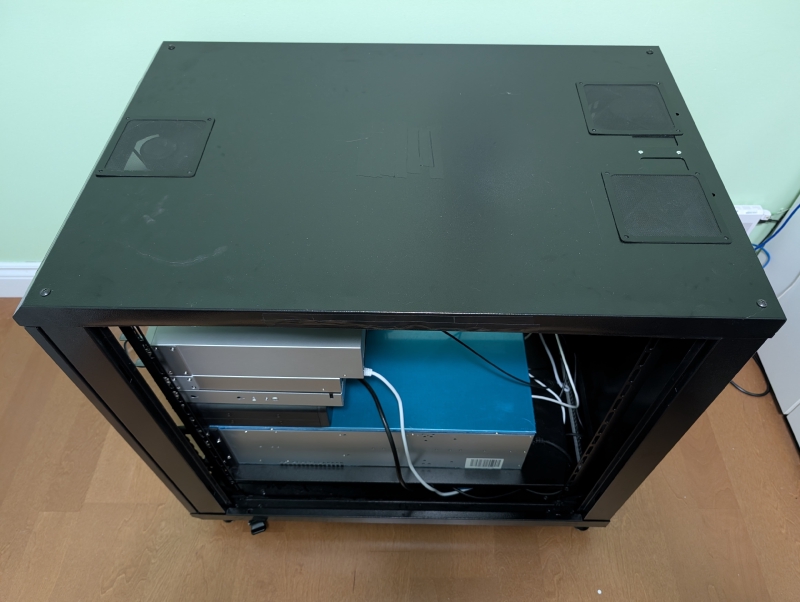
The hardware now lives in two places. That might sound like a pointless detail, but it matters more than you would think (I will get to why in the Backups section). Let me split it up by site.
Primary site
This is where the day-to-day stuff lives.
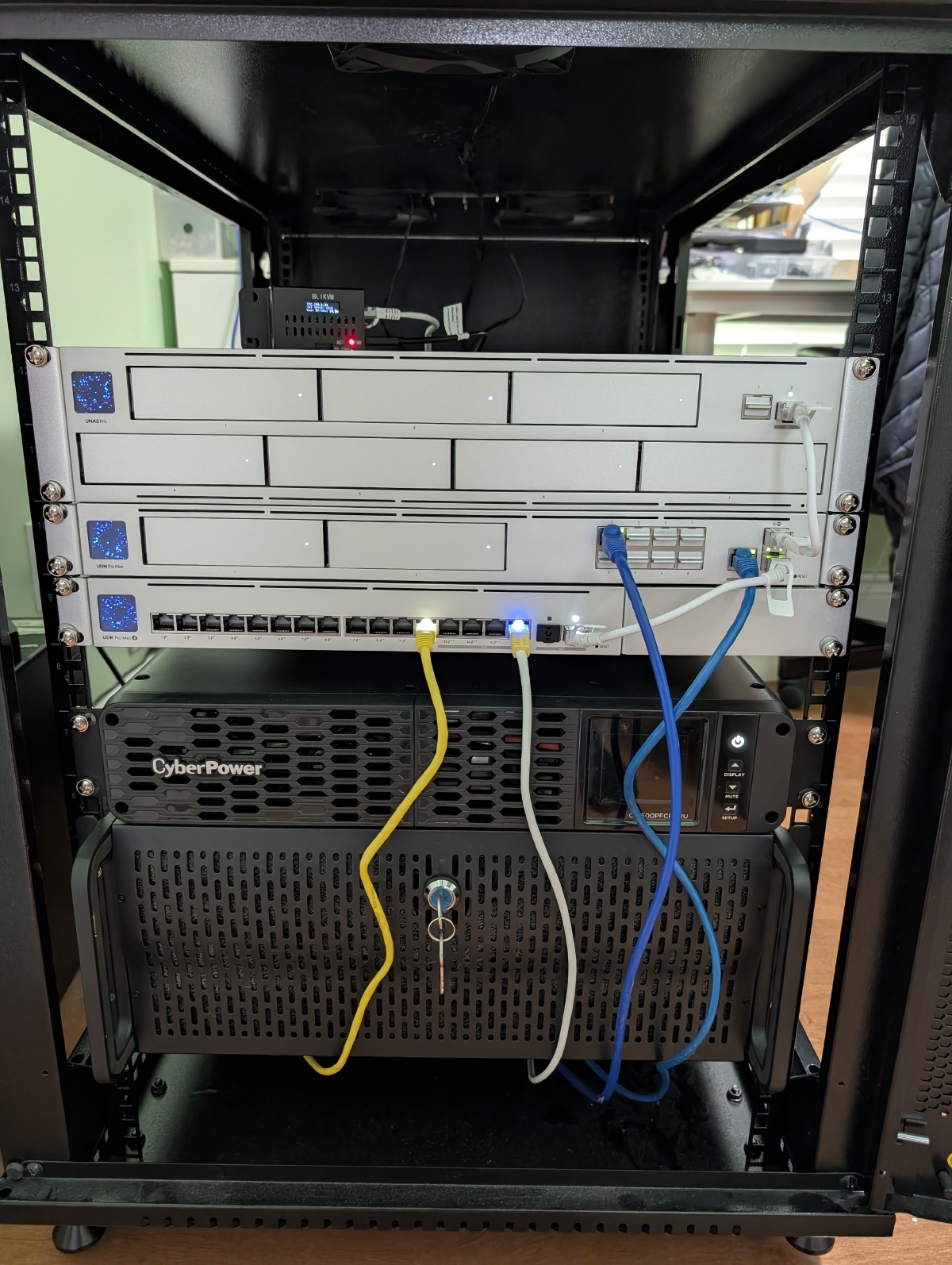
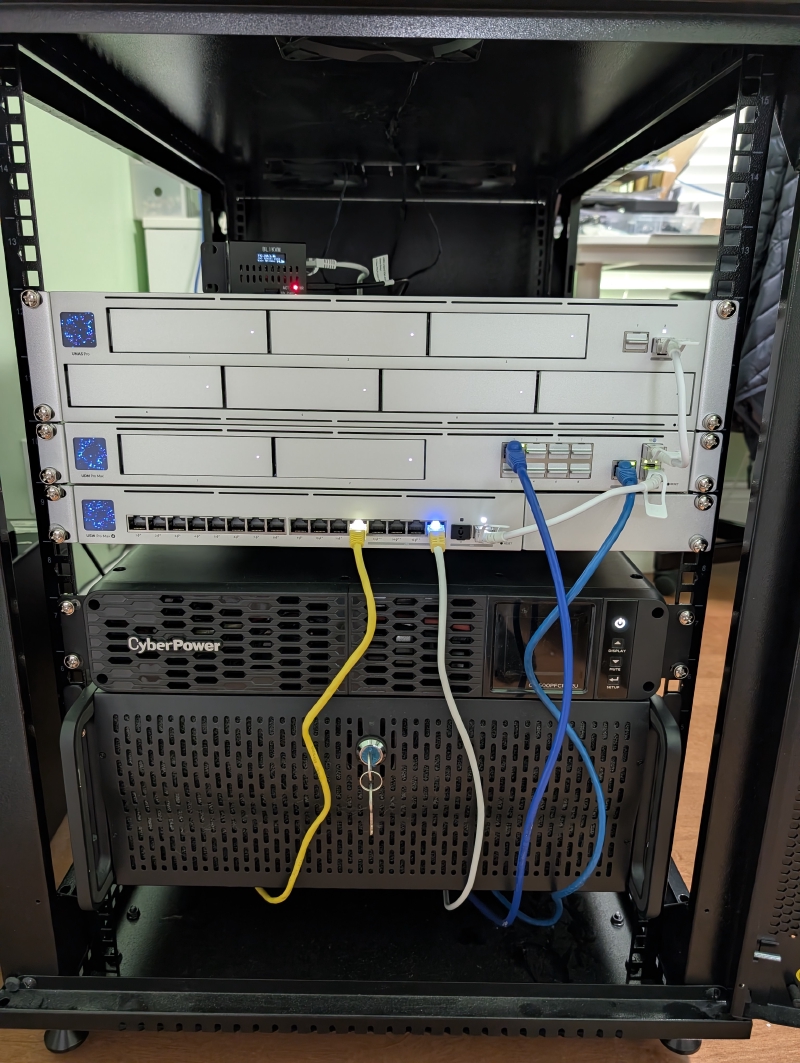
- Compute node: the old TrueNAS build is now running Proxmox. It hosts all of my containers (LXC) and virtual machines, still has its 64 GB of RAM and a pair of 1 TB SSDs, and uses the i5-12600K’s Intel Quick Sync for hardware media transcoding.
- Storage: a UniFi UNAS Pro. Keeping storage on its own appliance means that layer stays rock solid, while the compute node is where I am free to experiment and blow things up. If I break something on Proxmox, my data would still be intact.
- Gateway and router: a UniFi Dream Machine Pro Max. It handles the VLAN segmentation and inline intrusion detection/prevention, which is a crucial part of the network security system.
- Switch: a UniFi Pro Max 16, wiring the primary site together.
- UPS: keeps everything alive through short outages. On a longer power outage, a shutdown daemon brings every LXC and virtual machine down cleanly first, then the NAS, then itself, and only powers back up once mains power returns. Getting that ordering and timing right was a rabbit hole of its own.
- Out-of-band management: a PiKVM based on a Raspberry Pi 4B. When a machine won’t boot or needs BIOS-level work, I can get to it remotely instead of having to be physically at it. It also doubles as one of the bridges that route traffic between my two sites over the mesh.
Second site
This one lives at a different physical location from everything above, which is the whole point.
- Compute node: my old gaming PC, now a second Proxmox node. I don’t game much these days, so it got a second life. Its GPU is the AMD Radeon RX 7900 XTX, which now spends its time on local AI inference instead of rendering pretty ray-traced frames. The rest is a fairly standard desktop build, so I will keep the parts list brief: i5-13600K, RX 7900 XTX, 32 GB RAM, 1 TB SSD.
Software
Everything runs as an LXC or a VM on one of the two Proxmox nodes. Rather than justify every single service (there are a lot now), here is the lay of the land grouped by what it is for:
- Media: Jellyfin handles movies and shows, using Quick Sync on the primary node for hardware transcoding. There is also a download automation stack (an indexer manager feeding a torrent client that is routed through a VPN). To be clear, I am not endorsing piracy here. Automate all you like, but you should only ever be downloading media that you legally own.
- Storage and sync: Nextcloud runs my files, calendar, and contacts (still the most painful app to maintain, some things never change), and Syncthing handles direct device-to-device sync. Both are backed by the NAS.
- Home automation: Home Assistant runs in its own VM, tying together the smart home bits so they work locally without phoning home to some Big Tech’s clouds that I do not own.
- Monitoring and alerts: Gatus continuously checks that my services are actually up, and ntfy pushes alerts straight to my phone the moment something falls over.
- Documents: a self-hosted, browser-based PDF toolkit lets me merge, split, and edit PDFs where the document never leaves my network, since the processing all happens client-side in the browser.
- Network services: AdGuard handles DNS filtering and Caddy is the public-facing reverse proxy. They also run here as LXCs, but they belong to the security story, so I will cover them below.
Offsite compute and local AI
The second node’s GPU runs a local large language model (llama.cpp on AMD’s ROCm stack, currently serving the Qwen3.6-27B model) that I can reach across my mesh from any of my devices. No prompts leave my network, no per-token bill, and no rate limits. Just some extra thermal and acoustic entropy in the room, which is nothing compared to my own entropic contribution.1
On top of that sits Hermes Agent, an agentic layer with its own persona that can browse the web and use tools. Watching it work through a task with full visibility into every tool call is quite satisfying.
The local model is capable but obviously not frontier class. So, I am also looking into confidential compute providers like Phala Network and RedPill to get access to bigger, smarter models privately. The idea is TEE-backed inference2 so I can use frontier-class models without handing my prompts to a provider in the clear. If it works out, it is the best of both worlds: near frontier intelligence in the cloud with something much closer to local-grade privacy.
Networking and Security
My old post had basically nothing to say here, mostly because I don’t have the budget to overhaul the networking side. But it’s about time to up my networking game. The guiding principle is layered defense: assume any single control will eventually fail, and make sure there is another one behind it.
Here is the high-level picture of the network configuration:
- Almost nothing is port-forwarded. With one exception, nothing is exposed to the raw internet just so I can reach it. Everything else is reachable only over a Tailscale (WireGuard) mesh, so my devices and I can get in while the open internet cannot.
- One deliberate front door. The single service that genuinely needs to be public is the one thing I port-forward, and it lands on a Caddy reverse proxy isolated in its own DMZ network and walled off from everything else with VLAN segmentation. If that machine is ever compromised, it cannot see the rest of the network.
- DNS filtering across the whole network with AdGuard Home, which kills ads and known bad domains before they ever resolve.
- Two layers of threat detection. The gateway runs inline intrusion detection/prevention on all traffic, and the public-facing proxy runs a behavioral IDS (CrowdSec) that spots and bans hosts probing for weaknesses.
I am intentionally vague on the specifics like IPs, subnets, and exact rules. Publishing your own network diagram is just free reconnaissance for whoever comes knocking, and the whole point of layered defense is to not make their job easier. If you have a different opinion, let me know.
Backups
Here is the real reason there are two physical locations.
Encrypted daily backups of every guest, across both sites, are kept in two places: on the second node at the other site, and on the UNAS Pro back at the primary site. Because the two targets sit at different locations, every guest ends up with a copy somewhere other than where it runs. The reasoning is simple: backups that live right next to the thing they are backing up are not really backups. One fire, flood, or theft, and you lose the original and the copy at the same time. Physical separation is the only thing that actually fixes that.
So the current shape is close to the classic 3-2-1 rule: a few copies, on more than one kind of storage, with one of them offsite. The piece I am still missing is an offsite cloud copy as the third leg, which is next on the list (more on that below).
Wrap up
Was it more painful than expected? Looking back, I feel like not. Maybe that is because I have steadily built up my pain tolerance, or my mind is not letting me relive the pain to protect myself. Anyway, I also have to give some credit to ChatGPT and Claude for helping me throughout the journey.
I don’t think I ever explicitly answered the question I asked back in the introduction, so here it is. I got a turnkey NAS because I want a rock-solid machine only for storage, separate from the rambunctious wonderland that houses the apps and services. Once storage moved onto its own appliance, the old machine no longer had to be the NAS, which freed it up to be a proper hypervisor. TrueNAS is a storage OS first, and now that it wasn’t holding my data anymore, running it just to spin up LXCs was the wrong tool for the job. Proxmox is built the other way around: LXCs and VMs are the whole point.
Would I change anything if I did it again? Probably fewer late nights, but the mistakes are where most of the learning happened, so I cannot complain too much.
There are still a few things I am planning or actively working on:
- Offsite cloud backups: an encrypted third copy to object storage, so the 3-2-1 backup rule is finally complete.
- Bigger private cloud models through confidential compute, as mentioned above, assuming the privacy guarantees hold up under scrutiny.
If you want to reach out about any of this, feel free to contact me via email or LinkedIn.
Thanks for reading. See you at V3, which is when that machine inevitably needs a buddy or the exising stack gets a substantial enough upgrade worth a V3.
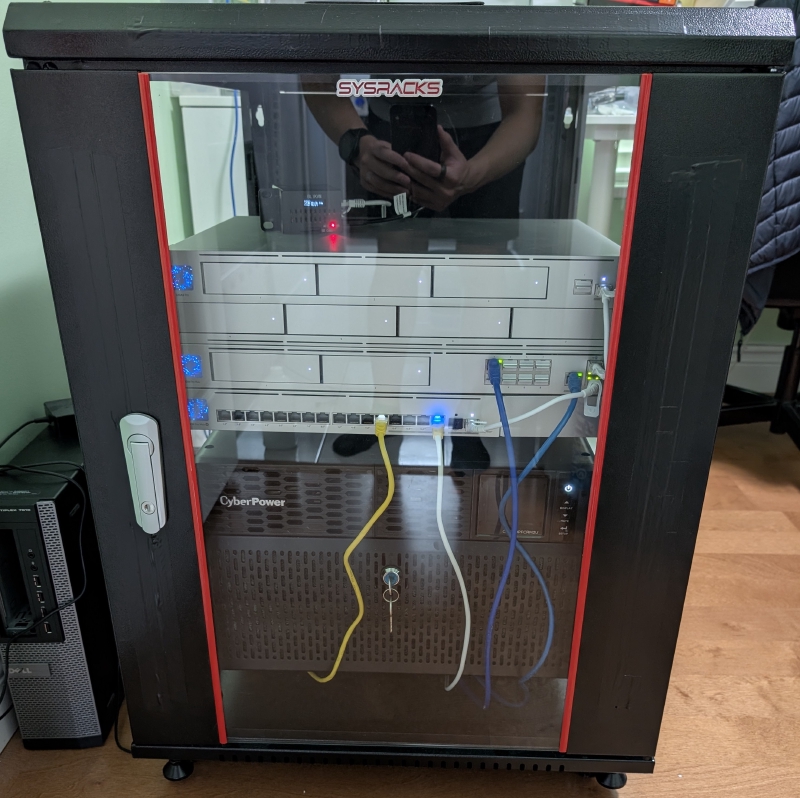
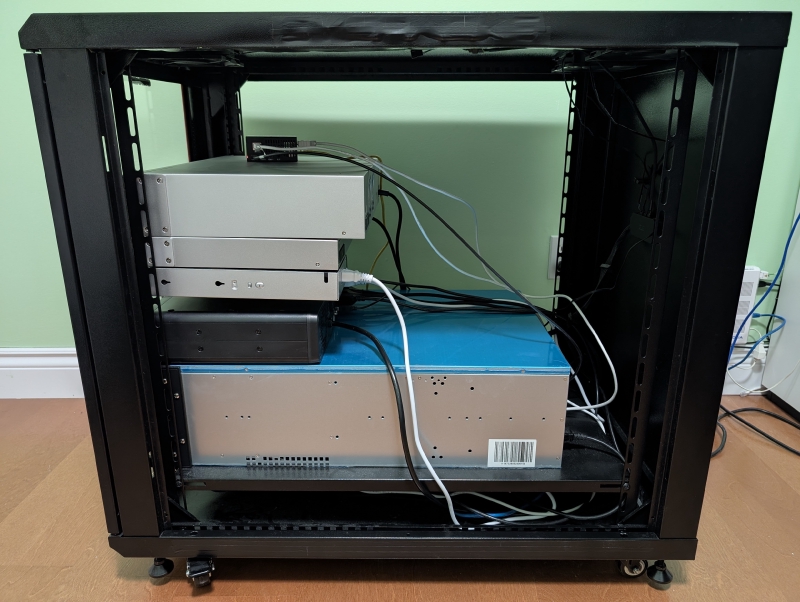
More Pictures:
-
Hey, I know the human body dumps about 100 W of heat at rest, which is way less than the 355 W from the 7900 XTX + ~100 W from the 13600K + ~50 W for RAM, fans, SSDs and more. But I am also counting my daily pot stirring activity. ↩︎
-
Trusted execution environment, hardware that isolates and encrypts a workload so even the machine’s owner or host can’t read what’s running inside it. Here that means Intel TDX for the CPU side plus confidential GPU compute for the model itself. ↩︎